
1win App Tanzania 2026: Download for Android (APK) and iOS
The 1win mobile app brings the full platform to your phone — casino games, sports betting, live betting, and M-Pesa withdrawals — without any of the features removed or hidden behind a desktop-only menu. For Tanzanian players who manage everything from a mobile device, the app is the most practical way to use the platform day to day. This page covers everything you need to know about the 1win app in Tanzania: what it offers compared to the desktop site, how to download the Android APK safely, how to install on iOS, and how deposits and withdrawals work in-app using M-Pesa and Airtel Money.
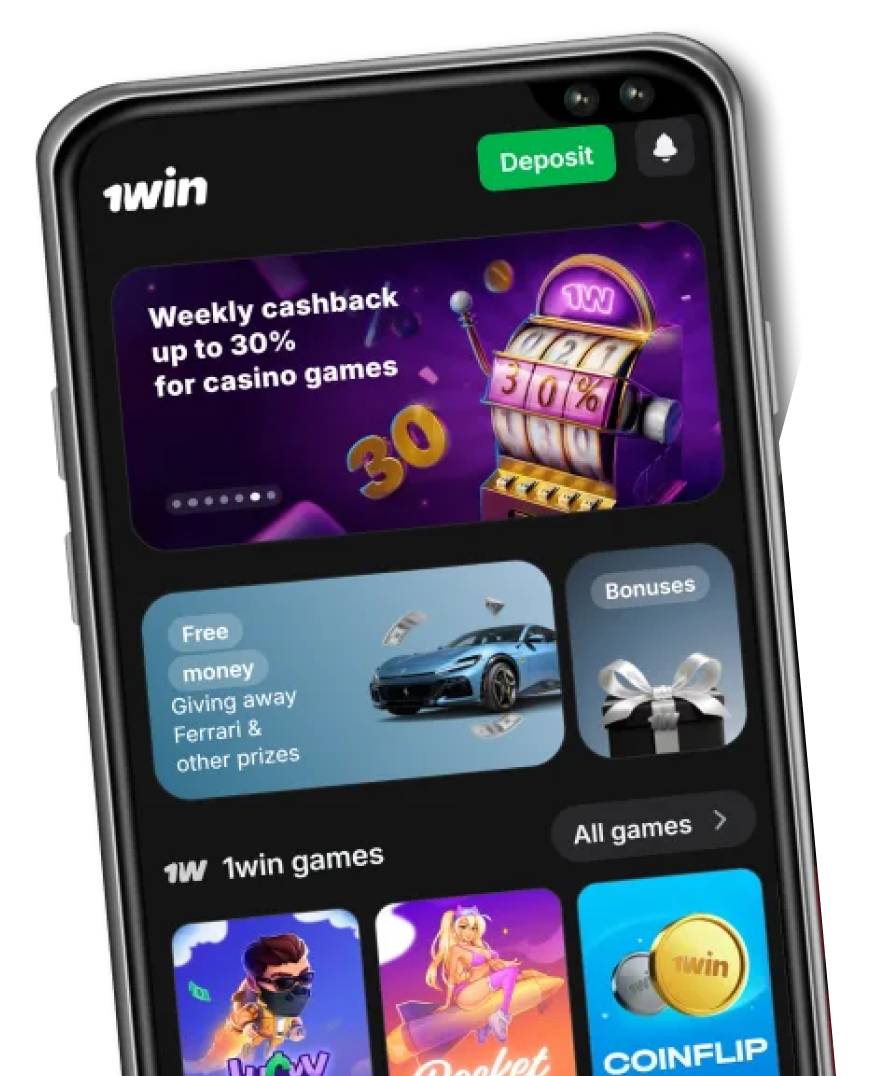
1win App: Key Facts
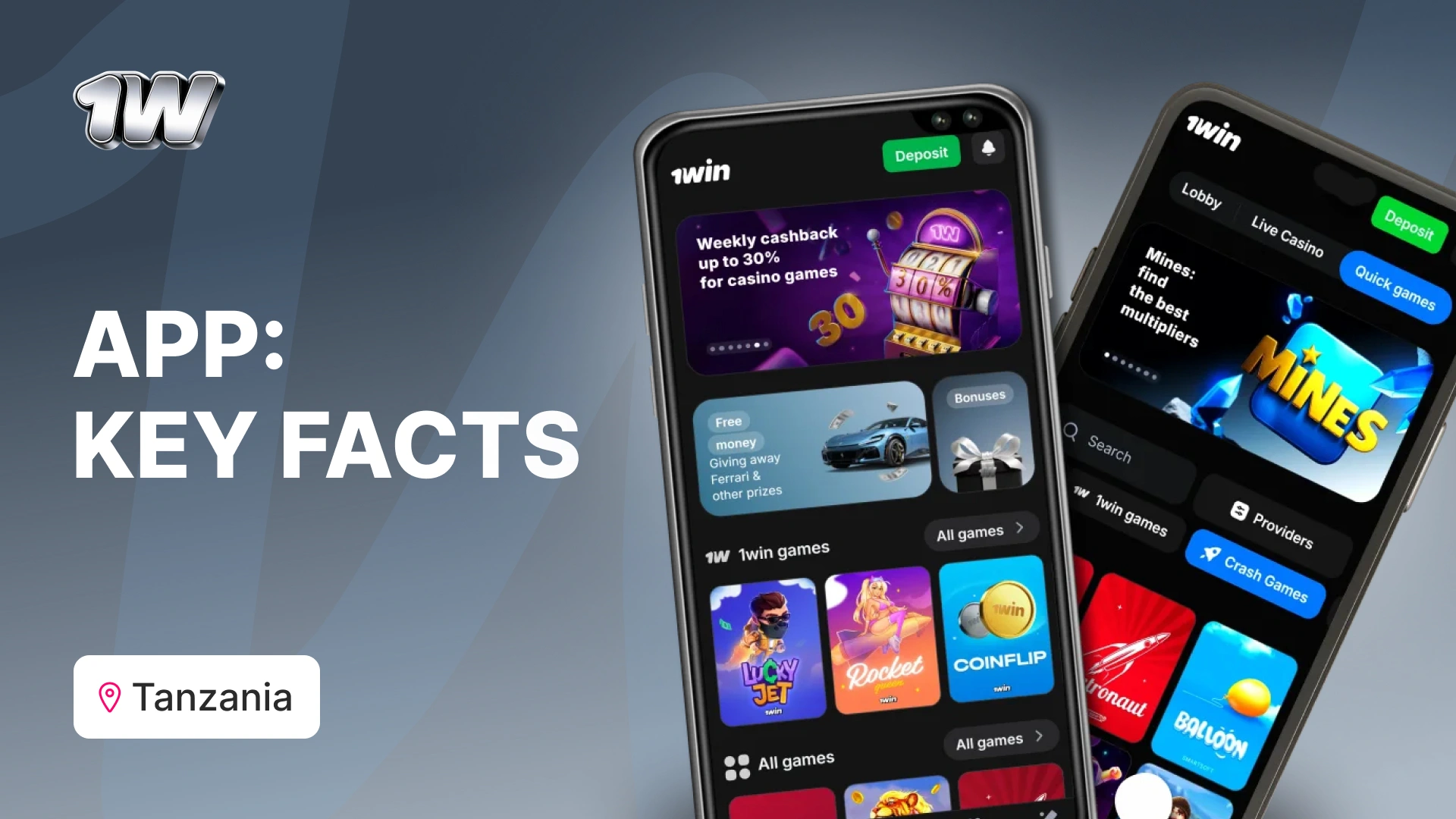
The table below covers the essential details for Tanzanian players before downloading.
| App version | Latest (updated April 2026) |
| Android requirement | Android 5.0 or above |
| iOS requirement | iOS 12.0 or above |
| Android file size | ~45 MB |
| iOS file size | ~60 MB |
| Download source (Android) | Direct APK from 1win.com — not on Google Play |
| Download source (iOS) | App Store |
| Languages | English, Swahili |
| Casino available | Yes — 13,000+ games |
| Sports betting available | Yes — 40+ sports including Tanzania Premier League |
| Live betting | Yes — all major sports |
| M-Pesa deposits | Yes |
| Airtel Money deposits | Yes |
| Withdrawals in-app | Yes — all methods |
| Customer support | 24/7 live chat within app |
1win App vs Desktop: What’s Different?
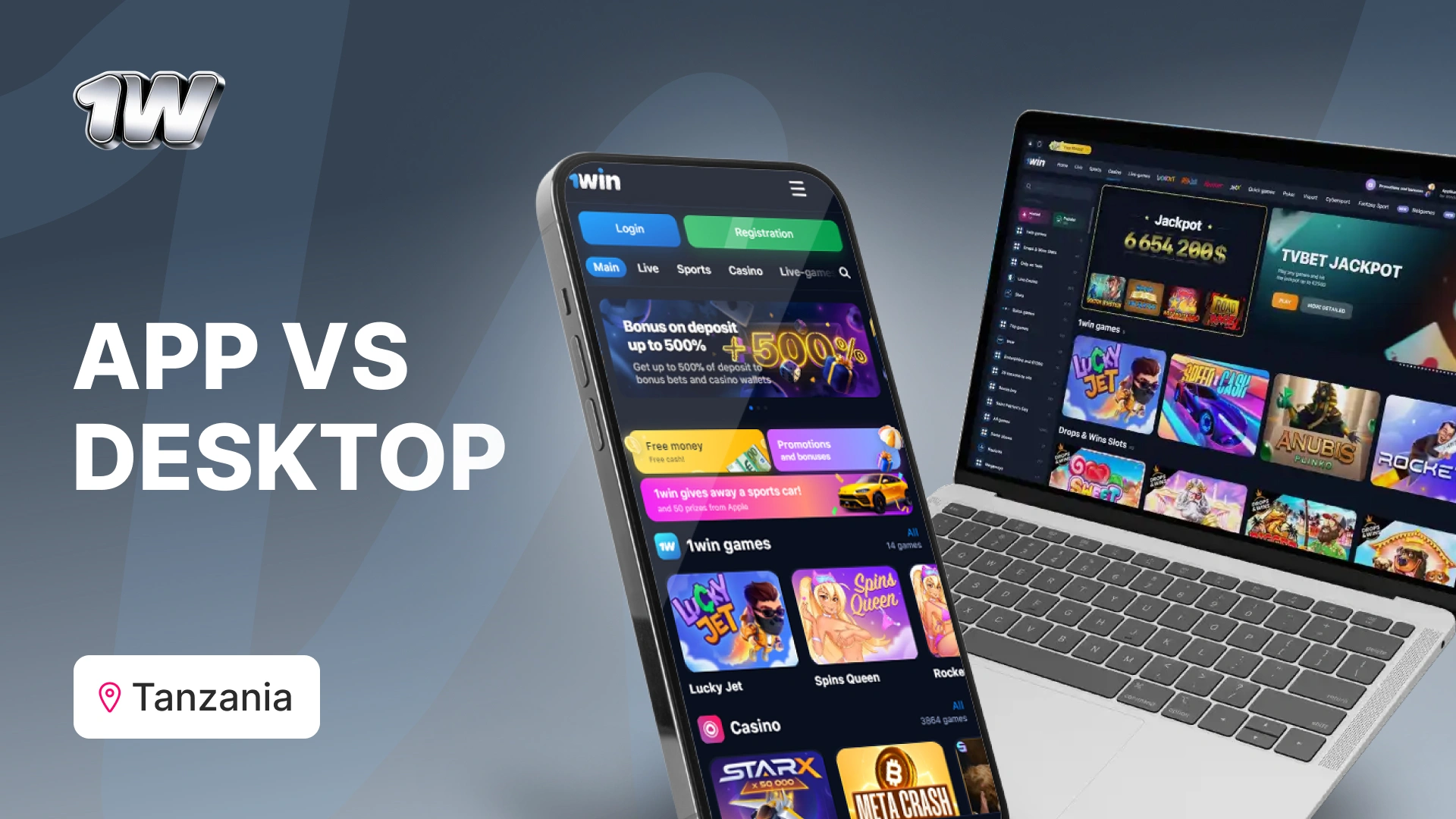
The most common question from players who already use 1win on a browser is whether the app gives them the full experience or a cut-down version. The short answer is that the app is functionally complete — every betting market, every casino game, and every payment method available on desktop is also available in the app.
There are two genuine advantages to the app over the desktop version. First, biometric login — Face ID and fingerprint — is only available on mobile, which makes accessing your account faster and more secure than typing a password. Second, push notifications are app-exclusive, meaning you can receive alerts for live match events, bonus activations, and deposit confirmations without keeping a browser tab open.
The one area where desktop has an edge is live casino video quality. On a strong Wi-Fi connection, the desktop browser renders dealer streams at a higher resolution than the mobile app does on a typical Vodacom or Airtel Tanzania 4G connection. The difference is noticeable but not a dealbreaker for most players.
| Feature | App | Desktop | Notes |
|---|---|---|---|
| Full sportsbook | Yes | Yes | All markets including Tanzania Premier League available on both |
| Live betting | Yes | Yes | Identical market coverage; app updates slightly faster on 4G |
| Casino games (all) | Yes | Yes | All 13,000+ titles load on mobile; some complex animations simplified |
| Aviator / crash games | Yes | Yes | Optimised for mobile — recommended to play via app |
| Live casino | Yes | Yes | Video quality slightly lower on mobile data vs desktop Wi-Fi |
| M-Pesa deposit | Yes | Yes | App redirects to M-Pesa confirmation screen seamlessly |
| Airtel Money deposit | Yes | Yes | Same as M-Pesa — no difference between app and browser |
| Withdrawal requests | Yes | Yes | Full withdrawal functionality available in-app |
| KYC document upload | Yes | Yes | Camera capture available in-app — easier than desktop upload |
| Bonus claim | Yes | Yes | All promotions accessible from the app bonuses tab |
| Live match streaming | No | No | Not available on either platform — statistics and live scores only |
| Two-factor authentication | Yes | Yes | Settings accessible in both; biometric login app only |
| Biometric login | Yes | No | Face ID and fingerprint login available on app only |
| Push notifications | Yes | No | App-exclusive: match alerts, bonus reminders, result updates |
ℹ Live match streaming is not available on either the app or the desktop version of 1win. You can follow live scores, match statistics, and animated visualisations within the app, but you cannot watch matches directly. Plan accordingly if you bet live on Tanzania Premier League fixtures.
How to Download the 1win App on Android (APK)
Download on Android (APK)
The 1win app is not available on the Google Play Store. This is standard practice for online gambling apps worldwide — Google’s policies restrict gambling applications on its marketplace in most regions. The app is instead distributed as a direct APK download from the 1win website. This is safe provided you download only from the official domain. Follow the steps below to install the app on any Android device running version 5.0 or above.
Open website on your Android browser
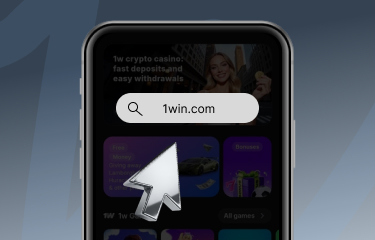
Navigate to 1win.com using Chrome or your default browser. Do not search for ‘1win APK’ on Google — only download from the official domain to avoid fake files.
Find the app download section
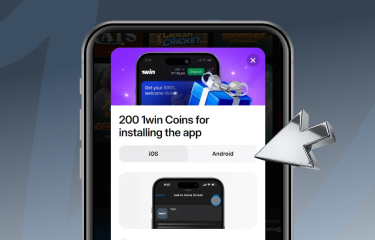
Scroll to the bottom of the homepage and tap the Android icon, or navigate to the dedicated app page. The download button is labelled ‘Download for Android’.
Enable installation from unknown sources
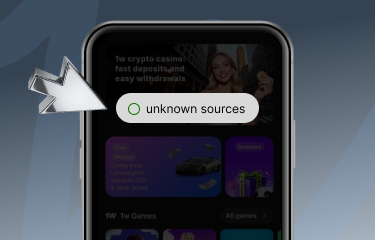
Before the download starts, Android will ask you to allow installations from unknown sources. Tap ‘Settings’, enable the permission for your browser, then return and confirm the download.
Download and install the APK
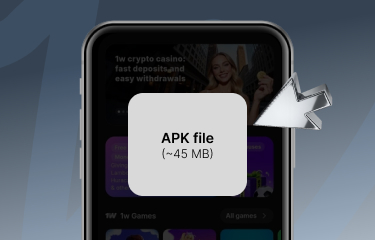
The APK file (~45 MB) will download to your notifications bar. Tap it when complete and follow the on-screen installation prompts. The process takes under 30 seconds.
Open the app and log in
Once installed, the 1win icon appears on your home screen. Open the app, log in with your existing account credentials, or tap Register if you are a new player.
Verify the app is official
Check that the app name shows ‘1win’ and the developer is listed as MFI Investments Limited. If either detail differs, uninstall and re-download from 1win.com directly.
ℹ The ‘unknown sources’ permission you enable during installation can be turned off again once the app is installed. Go to Settings, then Security, and disable the permission for your browser. This is good practice and does not affect the app’s ability to run or receive updates.
How to Download the 1win App on iOS
iPhone and iPad users can download the 1win app directly from the App Store. Search for ‘1win’ and look for the app published by MFI Investments Limited. The app requires iOS 12.0 or above and takes approximately 60 MB of storage.
In some regions, App Store search results for gambling apps are filtered based on your account’s country setting. If the app does not appear when you search in Tanzania, you may need to switch your App Store region to a country where the app is listed — South Africa or Kenya are common workarounds — download the app, and then switch your region back. This does not affect the app’s functionality or your account once installed.
After installation, log in with your existing 1win credentials. If you are a new player, you can register directly through the iOS app — the process is identical to the browser registration and takes under three minutes.
- Requires iOS 12.0 or above
- File size: approximately 60 MB
- Published by MFI Investments Limited — verify this before downloading
- If the app does not appear in Tanzanian App Store search, temporarily switch your region to South Africa or Kenya to locate it
- All features including M-Pesa deposits and withdrawals work identically on iOS and Android
Login and Registration on the 1win App
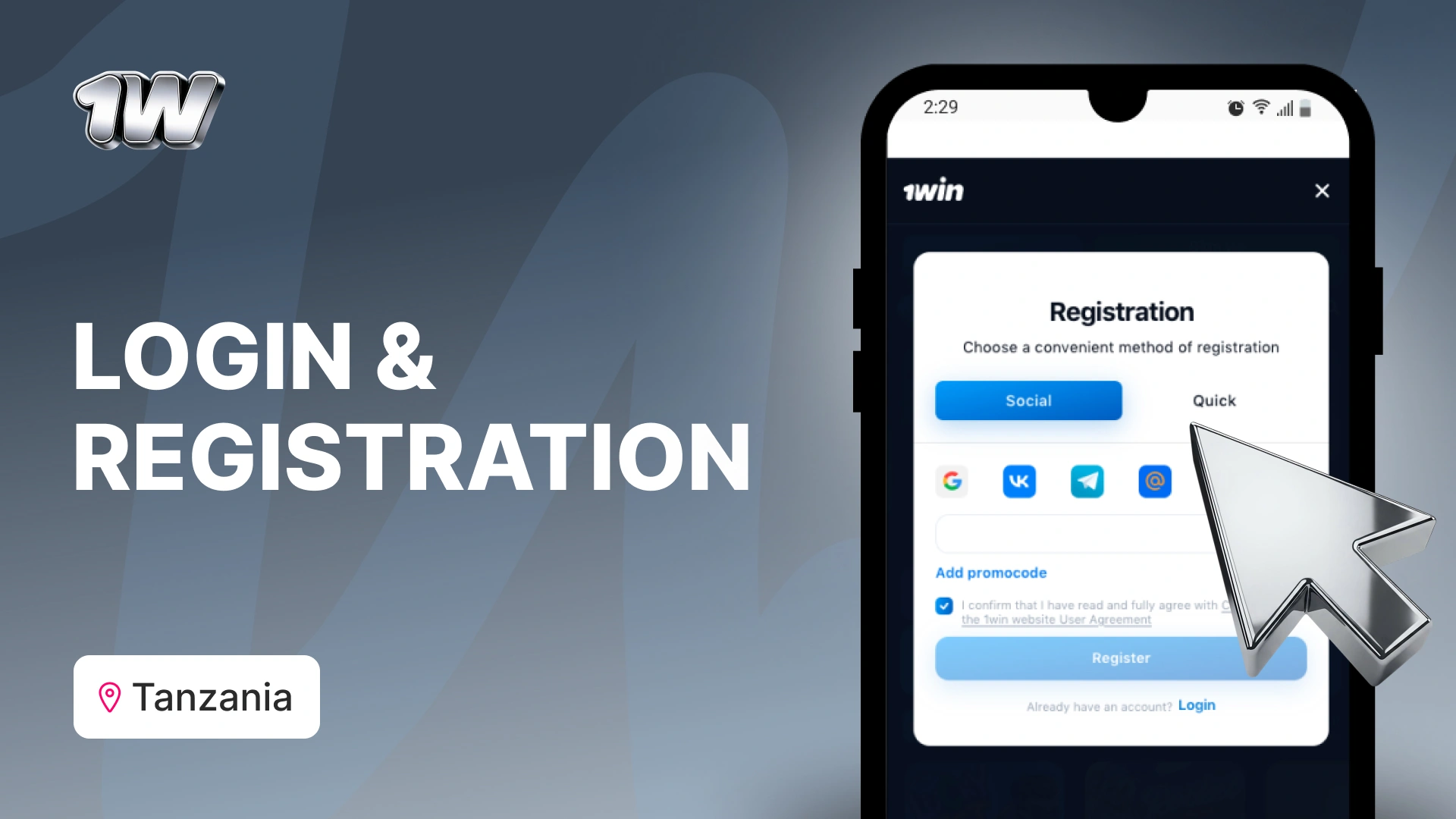
Existing 1win players can log in immediately using their registered email or phone number and password. Biometric login — fingerprint or Face ID depending on your device — can be enabled from the security settings after your first manual login and is the fastest way to access your account thereafter.
New players can register directly through the app by tapping the Register button on the home screen. The phone number registration method is the most straightforward for Tanzanian users — enter your M-Pesa number, set a password, select your preferred bonus, and verify via the SMS code sent to your phone. The entire process takes under three minutes.
If you lose access to your account, the password reset function is available from the login screen and works via either email or SMS. Account recovery via SMS is faster and does not require access to an email inbox, which makes it the more practical option for players whose account is linked to a phone number.
ℹ If you registered on desktop and are logging into the app for the first time, use the same credentials. There is no separate app account — your balance, bet history, and bonus progress are all shared across desktop and mobile.
Bonuses and Promotions on the 1win App
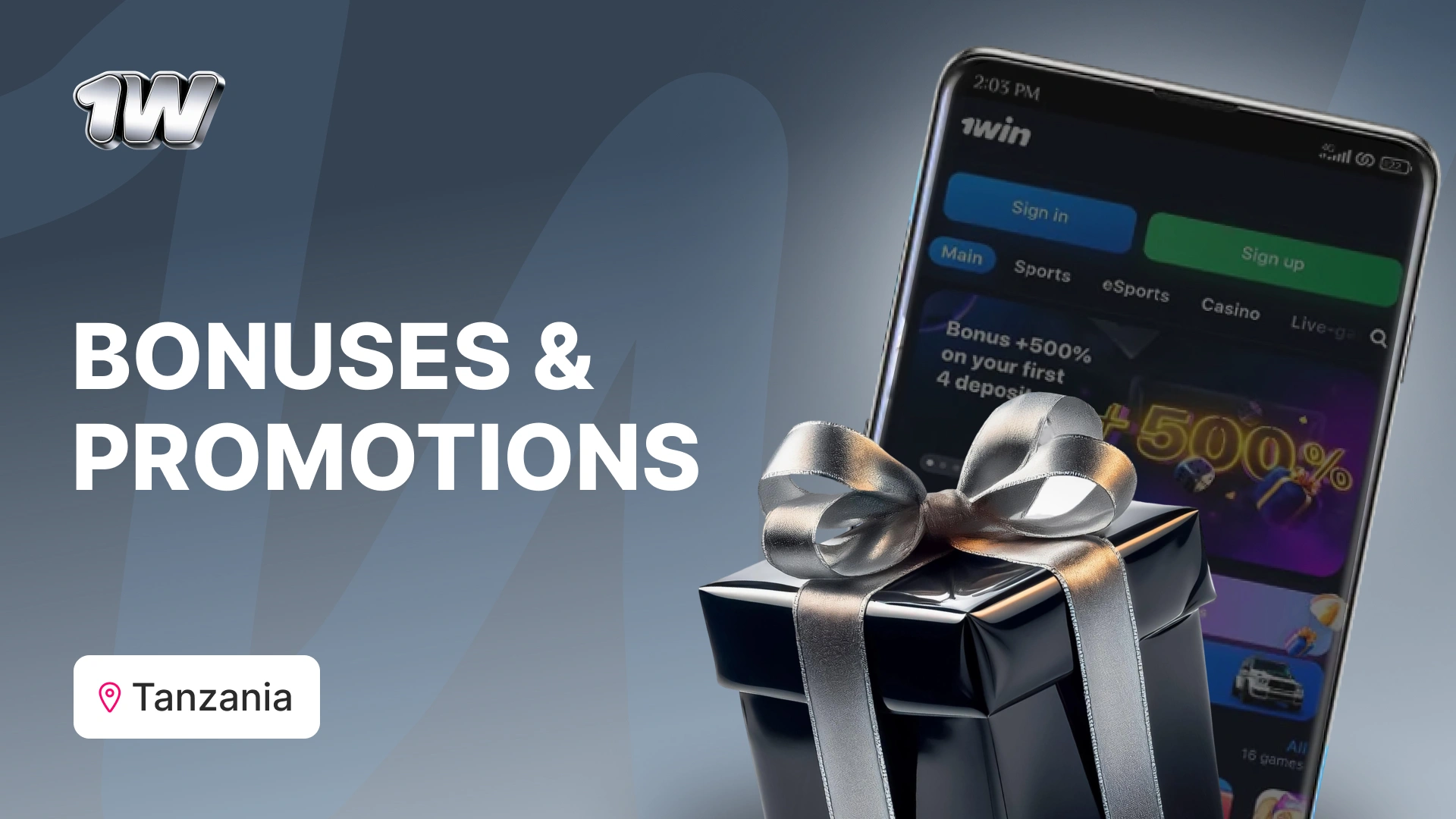
All promotions available on the desktop version of 1win are accessible through the app, and there are no app-exclusive restrictions on bonus eligibility. The welcome bonus — 500% up to $1,050 for casino and 200% up to $100 for sports — can be claimed through the app provided the bonus was selected at the point of registration.
The bonuses tab in the app navigation shows all currently active offers, including reload bonuses, cashback deals, and free bet promotions. Push notifications can be enabled to receive alerts when a new promotion becomes available or when a time-limited offer is about to expire — a practical advantage over checking the desktop site manually.




Sports Betting on the 1win App
The sportsbook in the app is identical in coverage to the desktop version. All 40+ sports are available, including Tanzania Premier League pre-match and live markets, which are updated in real time within the app. The live betting interface is well designed for mobile — market categories are clearly separated, odds update visibly when they change, and the cash-out button is consistently positioned so you can act quickly during a match without hunting for the option.
Accumulator bets of up to 20 selections can be built entirely within the app by tapping the odds for each selection and reviewing the combined slip before confirming. The minimum bet across all sports is TZS 500, and the potential return is displayed in real time as you add selections.
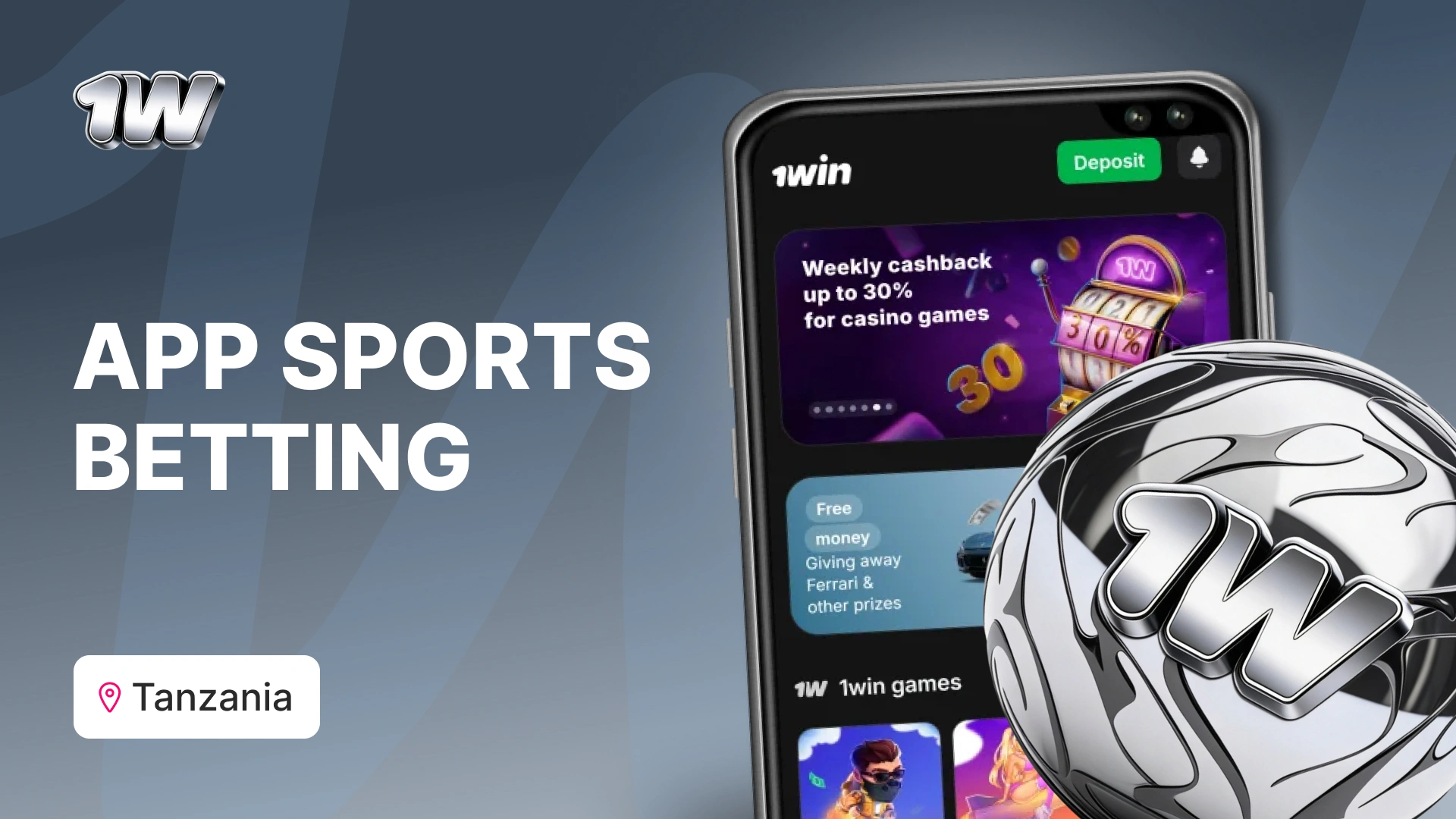
One practical note for Tanzanian players who bet live on football: the app performs well on 4G connections, but on a congested network during peak hours — particularly during evening kick-offs — odds can lag by a few seconds before updating. This is worth keeping in mind before placing in-play bets on fast-moving markets like next goalscorer or next corner.
Casino Games on the 1win App
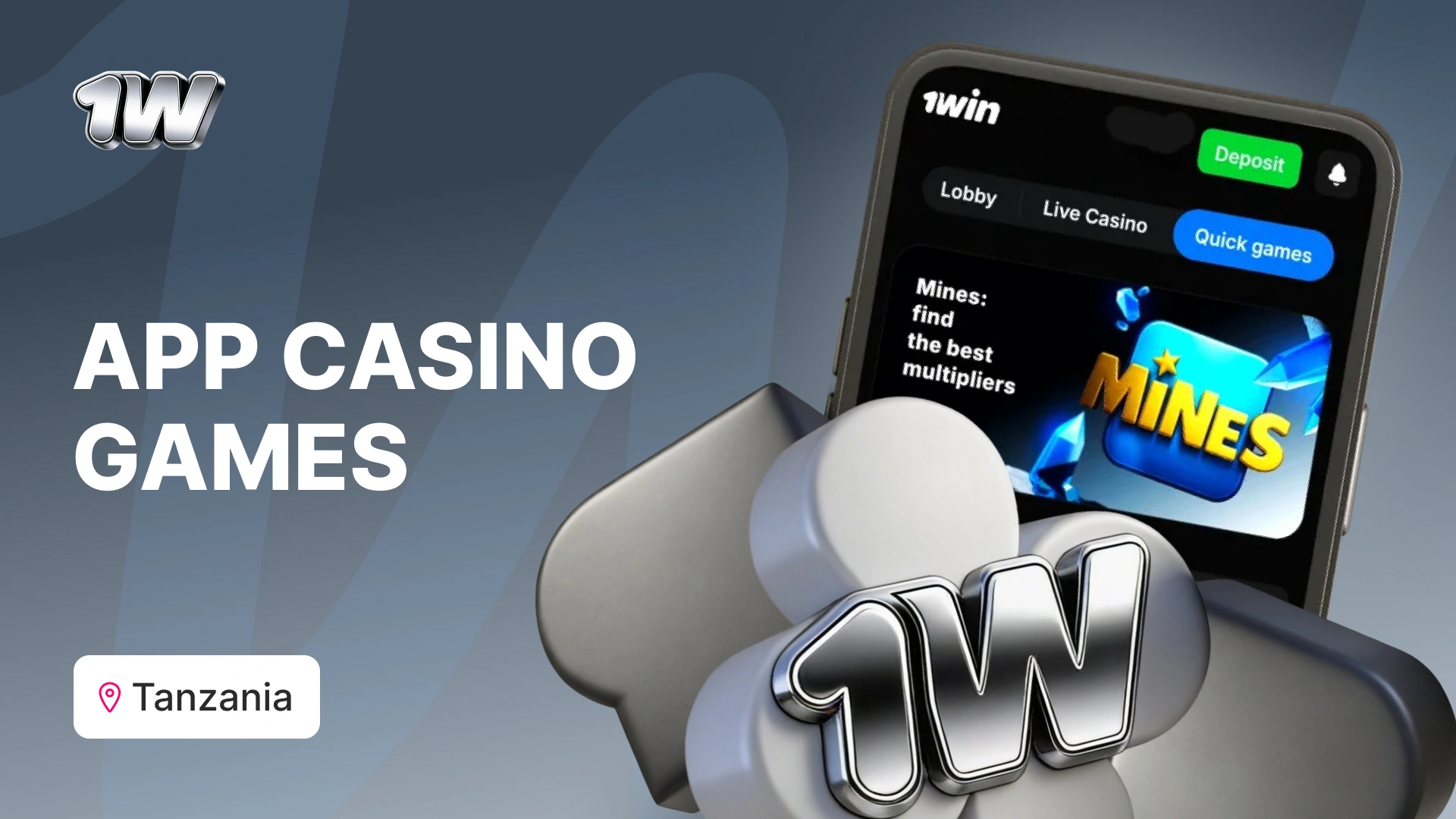
The full casino library of 13,000+ games is accessible through the app. All categories are available including slots, live casino, table games, and crash games. Titles load directly within the app rather than redirecting to a browser window, which keeps the experience seamless.
Crash games — particularly Aviator by Spribe — are the most played category among Tanzanian users on mobile, and the app handles them well. The Aviator interface is responsive, the cashout button registers immediately, and the game history is visible alongside the active round. On a standard Vodacom Tanzania 4G connection, the game runs without meaningful delay.
Live casino performance on mobile varies depending on connection quality. On a strong 4G signal, dealer streams load within a few seconds and play without interruption. On a weaker signal, video quality drops automatically to a lower resolution, which is functional but noticeably different from the desktop experience on Wi-Fi. If live casino is your primary activity, a Wi-Fi connection gives a better experience than mobile data.
- Aviator and other crash games are optimised for the app and recommended to play mobile
- 13,000+ games across slots, crash games, live casino, and table games
- Game search and filter functions work identically to desktop
- Live casino available with English-speaking dealers — video quality depends on connection strength
- Demo mode available on most slots — no deposit needed to try a game
App Performance and User Experience
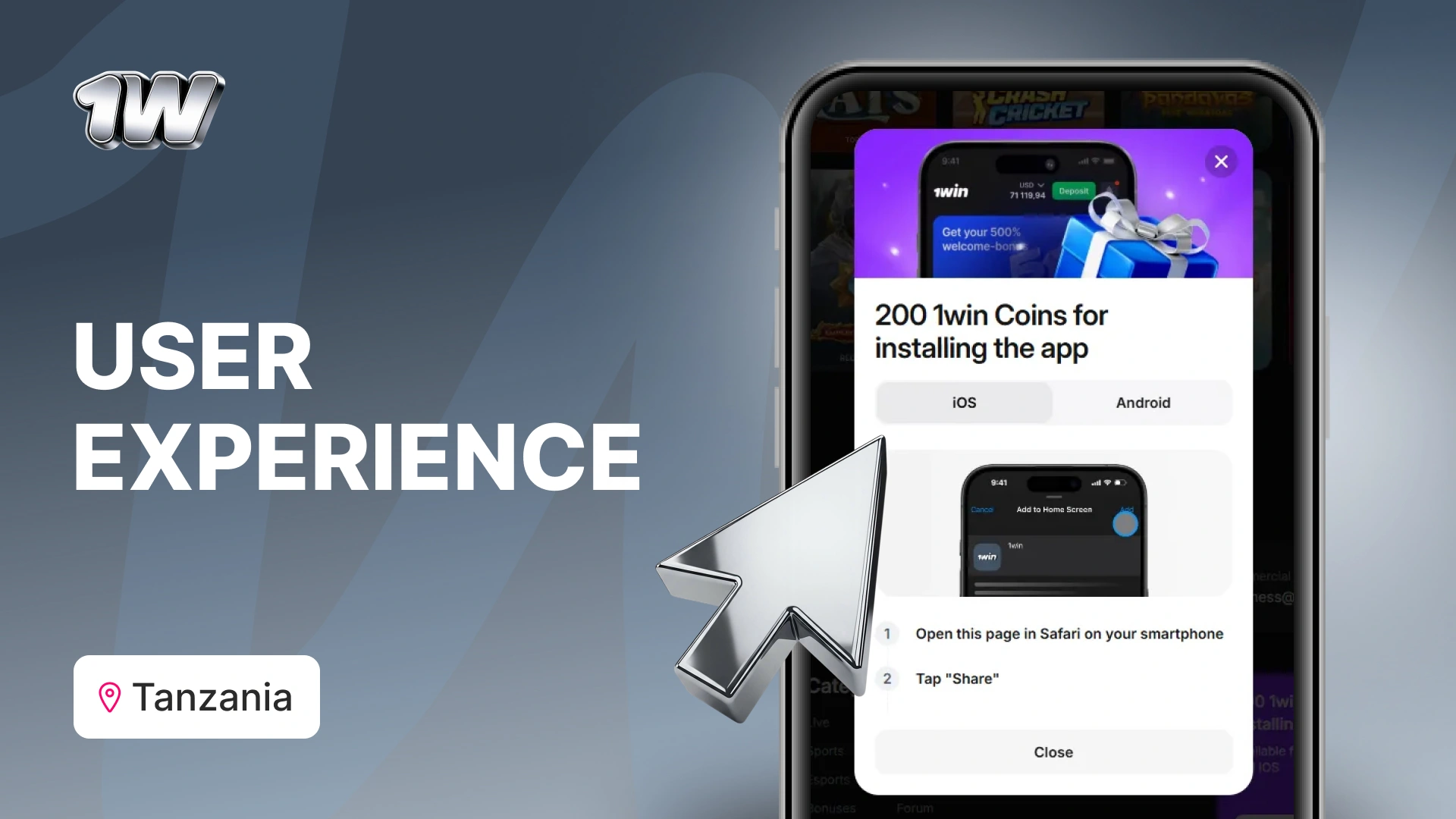
The 1win app performs consistently on mid-range Android devices — the majority device type among Tanzanian players — running on 4G mobile data. Navigation between the sportsbook, casino, and account sections is fast, and the app does not require a restart or reload when switching between areas.
The interface is available in English and Swahili, which can be toggled from the settings menu. Font sizes are legible without zooming on standard 5-inch and 6-inch screens. The bottom navigation bar keeps the most-used sections — home, sports, casino, and account — within thumb reach, which matters for one-handed use during matches.
Known limitations: the app does not support offline mode for any feature, including checking bet history or account balance. An active internet connection is required for all functions. Additionally, some older device models running Android 5.x may experience slower load times on the live casino section due to hardware limitations rather than app issues.
Customer Support on the App
Live chat support is accessible directly from the app via the support icon in the account menu. Response times during East African peak hours average under three minutes for standard queries. The chat interface works identically to the desktop version and supports file attachments, which is useful when reporting a payment issue and needing to share a screenshot of a transaction.
The FAQ section within the app covers the most common questions including deposit failures, bonus activation, and app installation troubleshooting. If your question is not covered there, live chat is the fastest route to a resolution — email support is available but typically takes 12 to 24 hours to respond.

-
Is the 1win app free to download?
Yes. The app is free to download on both Android and iOS. There are no installation fees, subscription charges, or in-app purchases required to access any feature. You only spend money when you make a deposit to bet or play.
-
Is the APK safe to install on my Android phone?
Yes, provided you download it exclusively from 1win.com. Do not download the APK from third-party sites or search engine results — these may contain modified files. The official APK from 1win.com is the only verified version. After installation, you can re-disable the ‘unknown sources’ permission in your Android security settings.
-
Can I use the same account on both the app and desktop?
Yes. Your 1win account is shared across all platforms. Your balance, bet history, active bonuses, and KYC verification status are all the same whether you log in from the app or a desktop browser. There is no need to create a separate account for mobile.
-
Why can’t I find the 1win app on Google Play?
Google Play restricts gambling apps in most markets, including Tanzania. This is a platform policy, not a problem with 1win. The Android app is distributed as an APK directly from 1win.com. iOS users can find the app on the App Store, though a region change may be required if it does not appear in Tanzanian search results.
-
What should I do if the app crashes or will not load?
First, check that your Android or iOS version meets the minimum requirement (Android 5.0, iOS 12.0). If it does, clear the app cache in your phone settings and restart. If the problem persists, uninstall and reinstall the app by downloading a fresh APK from 1win.com. Contact live chat support if the issue continues — they can check whether there is a known outage affecting your device type.